
Lesson 10: Getting Started on PeoplePerHour
Here are the step-by-step instructions with screenshots on how to sign up with PeoplePerHour:
1. Open your web browser and go to the PeoplePerHour website, which is https://www.peopleperhour.com/.

2. Click on the "Sign Up" button located in the upper right-hand corner of the website's homepage.

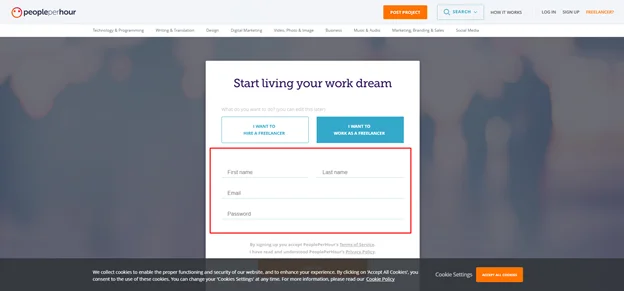
3. Click first the “I Want To Work As Freelancer.” You can sign up using your email address or Facebook account. In this example, we will use an email address to sign up. Enter your email address and create a password for your account. Then click on the "Sign up with email" button.
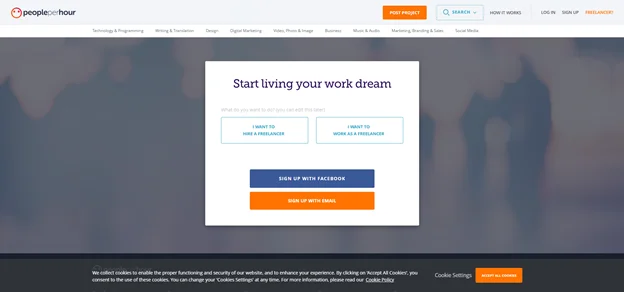
4. Fill out the registration form with your name, email address, and password.
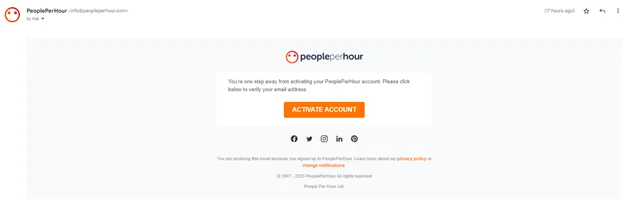
5. Once you have completed the registration form, an email will be sent to your provided email address. Check your email and click on the verification link to activate your account.
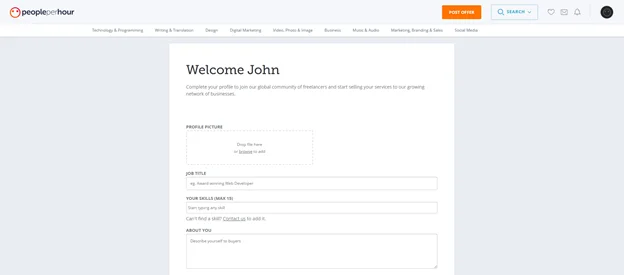
6. After you have verified your email address, you will be taken to the PeoplePerHour dashboard. Click the "Complete your profile" button to add your profile information, skills, and work history.
7. To start receiving client payments, you must add your payment information. Click the "Add payment details" button and enter your payment information.
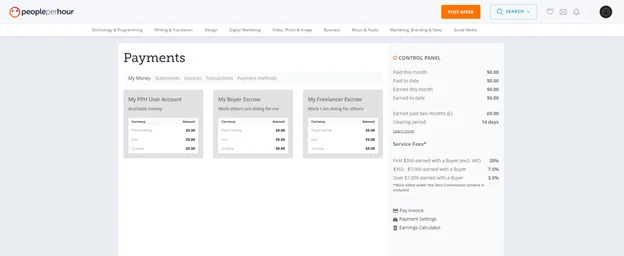
8. Once you have completed your profile and added your payment information, you can start bidding on projects. Click the "Find Work" button to search for projects matching your skills and expertise.
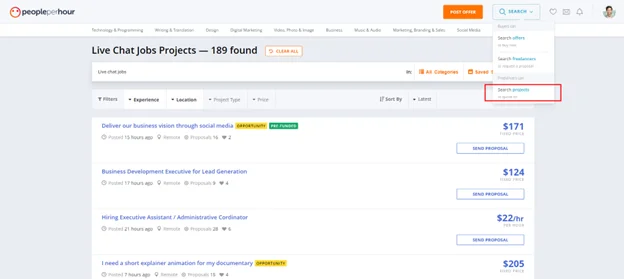
9. Click on the job listing to view more details about the job. Make sure you have completed your profile so you can send your proposal.
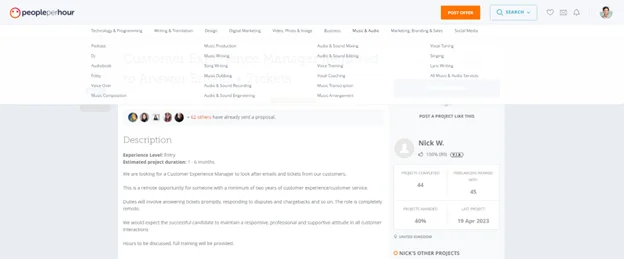
How to Use the Chat Jobs Database
Copyright 2026 © SocialSaleRep. All Rights Reserved.
Copyright 2023 © SocialSaleRep. All Rights Reserved.
Copyright 2023 © SocialSaleRep.
All Rights Reserved.